TL;DR: Tagging workflow, kiosk placement, anti-theft gating and the conversion process that keeps a library's catalogue trustworthy during migration.
Library RFID projects are usually justified with two numbers: staff hours returned to public service, and faster patron throughput. Both are real, but they only materialise if the tagging conversion is done properly. A library with 3% bad tags has a self-service system that produces 3% wrong transactions, and patrons stop trusting it within a month.
Related reading: Odoo RFID integration — the complete guide · 3PL Warehouse RFID: Bulk Reading Only Pays Where the Flow Is Blocked
Sequence the project around conversion, not hardware
The instinct is to buy kiosks first. The correct order is the reverse:
- Tag the collection and verify it, shelf by shelf.
- Configure the circulation rules and the LMS integration.
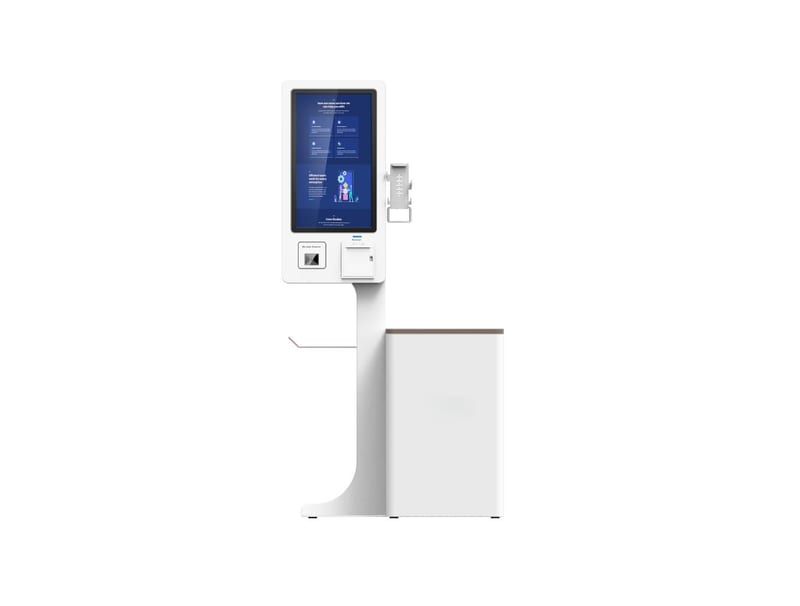
- Install self-check kiosks for the highest-traffic branch.
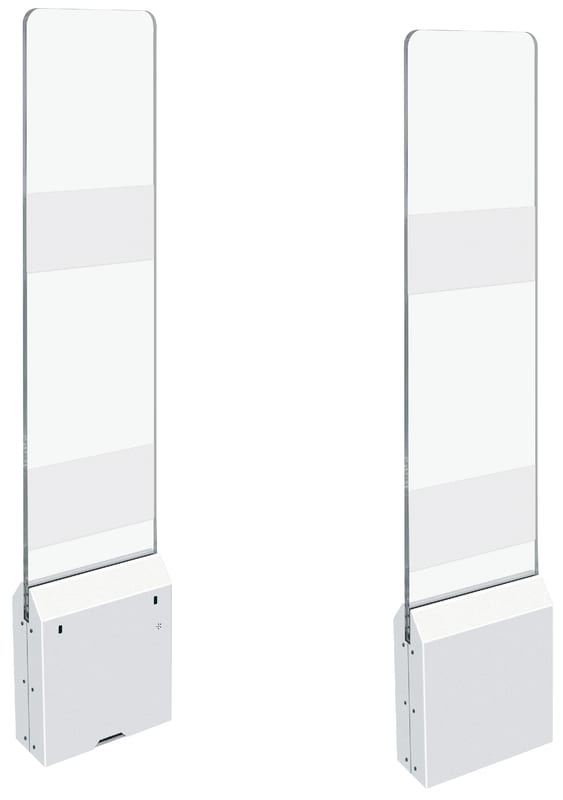
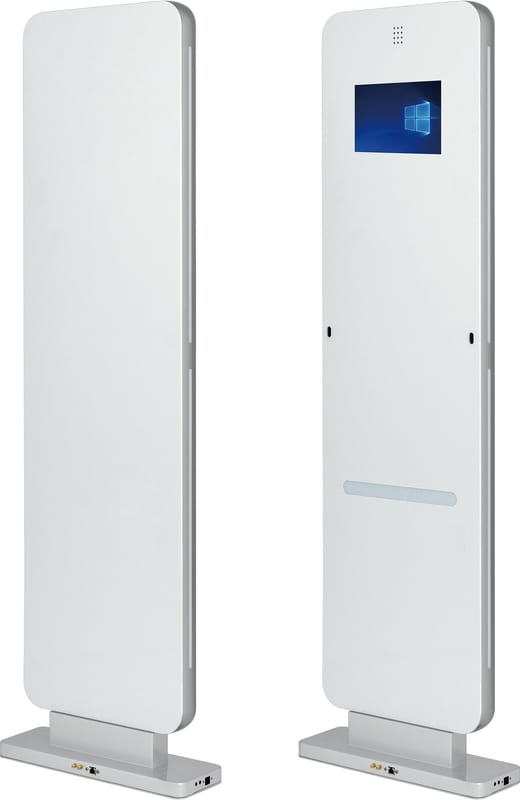
- Add anti-theft gates, then staff stations.
Conversion is 60–80% of the total effort in most library projects. Budget accordingly.
Tag selection for books, DVDs and special collections
- Standard book labels — a paper or synthetic label with an inlay, placed inside the back cover or under the jacket flap. Cheapest, adequate for most circulating paperbacks and hardcovers.
- DVD and media labels — smaller inlays and different placement, because a disc's metal layer interferes with UHF.
- Special collections — thin, discreet tags or none at all, depending on conservation policy. Never let a tagging programme damage a rare book.
- Multi-part items — boxed sets need one tag on the box and a rule that the box is the circulating unit, otherwise every check-out is ambiguous.
Verify read performance on a shelf, not on a desk. Books shelved tightly shadow each other; a tag that reads at 40 cm in the air may read at 5 cm in a full shelf.
Kiosk placement and patron flow
- Place kiosks where the patron naturally stops — near the exit, near the return drop, not in a back corner.
- Give each kiosk clear sightlines to a staff point, so help is available without hovering.
- Provide a return sorter or at least a clearly labelled return bin; unlabelled returns create queues.
- Keep one staffed counter. Self-service is for the 80% routine case, not for exceptions, fines disputes and interlibrary loans.
Anti-theft gating and its false-alarm budget
Gates work well with RFID, but the false-alarm rate decides whether staff keep them enabled. Common causes:
- Tags too close to metal shelving or to a laptop in a bag.
- Patron exit paths that pass within a metre of the gate with legitimately checked-out items.
- Tags programmed with the wrong security bit after a manual override.
Design for a low false-alarm rate first: position gates to cover the actual exit path, tune power conservatively, and log every alarm with a timestamp so recurring false positives can be traced to a specific item or patron behaviour.
The conversion workflow that keeps the catalogue clean
- Work shelf by shelf, scanning the shelf list first, then tagging.
- Verify each tagged item with a read-back, and record the tag ID against the item record.
- Quarantine mismatches immediately: an item whose tag reads as a different barcode is worse than an untagged item.
- Re-read the shelf after conversion to confirm 100% coverage of the shelf list.
- Handle items on loan: tag them on return through a dedicated workflow, not opportunistically at the desk.
Integration with the library management system
- Use SIP2 or the LMS's native API for patron and item transactions; do not build a parallel circulation database.
- Keep the RFID tag ID as a secondary identifier. The barcode or accession number remains the primary key.
- Log every self-service transaction with kiosk ID, timestamp and item tag, so disputes can be resolved.
- Reconcile daily: kiosk transaction count against LMS transactions. A gap means reads are being lost.
What improves, and what does not
Improves: check-out and check-in throughput, staff time returned to reader services, inventory accuracy during shelf reads, and speed of locating a requested item.
Does not improve by itself: security. RFID gates reduce casual theft; they do not stop a determined thief who removes the tag. Do not oversell the security case.
Bottom line
Convert and verify the collection first, integrate with the LMS second, install kiosks third, and gates last. Libraries that invert that order end up with expensive hardware and a queue at the staff desk.