Library RFID projects are almost always sold on self-service: borrowers check books out themselves, queues disappear, the front desk breathes. That is real, but it is rarely where the money is. In most libraries the return comes from two less glamorous places — shelf reading, which nobody wants to do and which is therefore always behind, and the staff hours that stop being spent on repetitive transactions.
The technology choice, however, is genuinely consequential. HF and UHF are not two flavours of the same thing; they produce different operations, different costs and different security models, and the decision is hard to reverse once ten thousand items are tagged.
Where library RFID actually saves money
Model the benefit lines honestly before choosing hardware.
- Self-service throughput: issues and returns per hour roughly double or triple compared with a staffed desk, and the desk can be staffed with fewer people at peak.
- Shelf reading: a handheld sweep of a shelf range takes minutes where manual reading of call numbers takes hours. Most libraries discover that a third of items are mis-shelved.
- Inventory: an annual stock check that used to close the library for days becomes a rolling exercise.
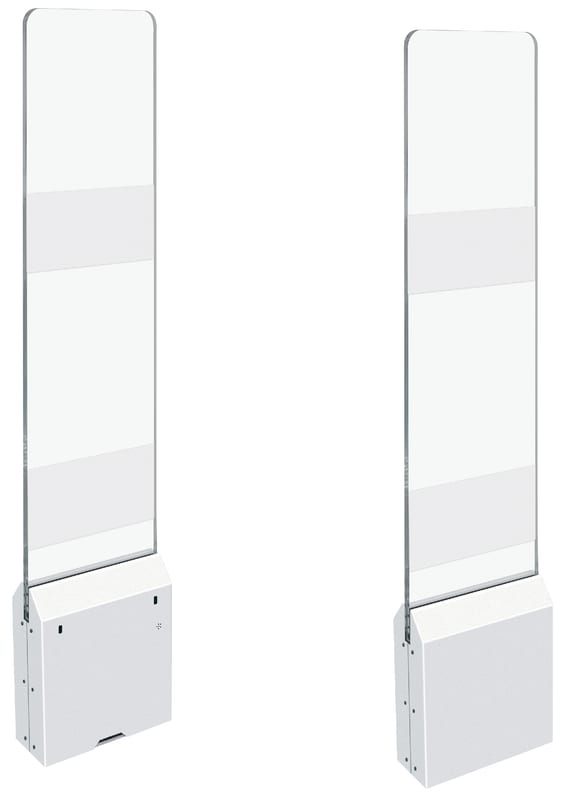
- Security: the same tag carries the circulation and the security function, so no separate EM strip and no separate gate installation.
- Returns handling: a 24-hour return box becomes possible, which matters to students far more than the library usually assumes.
Tag cost is not the deciding factor. Conversion labour is. If you have 80,000 items, the physical work of tagging, linking and verifying them is the dominant cost of the whole project, and it is paid once.
HF or UHF: the decision that shapes the next decade
- HF at 13.56 MHz, ISO 15693, is the library-specific standard. It is mature, quiet indoors, well supported by library vendors, and it has a defined security model through AFI and EAS bits.
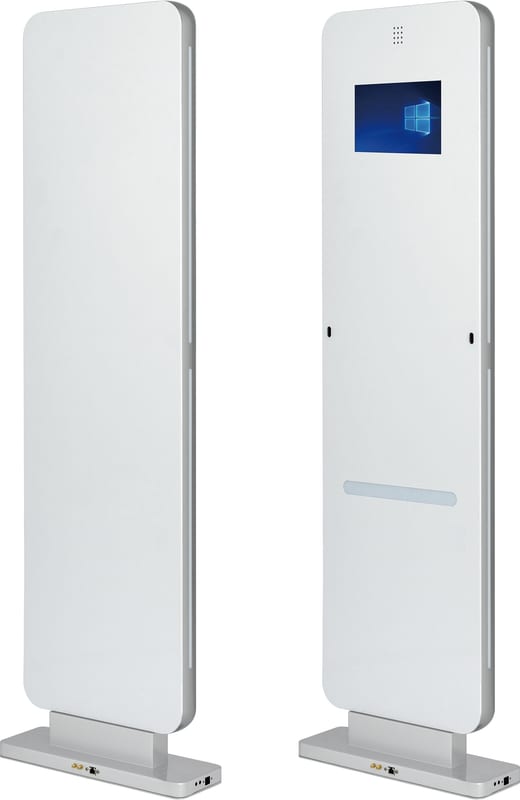
- UHF at 865–928 MHz, Gen2, reads faster and from further away, costs less per tag, and is the only practical choice for high-volume shelf reading across tens of thousands of items.
- UHF needs more careful reader placement, because it reads through walls rather than being confined to a few centimetres.
- HF is confined by design, which is a security advantage at a doorway and a limitation at a shelf.
The practical rule: a single-site public library with a modest collection and a strong security requirement is well served by HF. A university library, a multi-branch system, or any collection above roughly 100,000 items, where shelf reading is the main operational pain, gets more from UHF. A mixed estate — some branches HF, a central store UHF — is workable but doubles the hardware skills you must keep.
Tag programming: AFI, EAS and the security bit
This is where projects quietly leak value. The tag is a small computer with a state, and if the state is wrong the gate either ignores a stolen book or screams at a borrowed one.
- Use the AFI byte to represent circulation state: on shelf, on loan, in transit, in repair, withdrawn.
- Use the EAS bit as the gate trigger, and set it explicitly at issue and return, not as a side effect of some other write.
- Programme the item identifier in the standard data model your ILS expects — do not invent a private encoding that your successor will have to reverse-engineer.
- Write and verify in the same operation. A tag that is written but not verified is a future exception with no owner.
- Lock the EPC and the AFI after verification, but keep the EAS bit writable, because that is the one that changes every transaction.
Gates should be configured to alarm on state, not merely on presence: an item leaving on loan is a legitimate exit, and a gate that alarms on it will be switched off within a month.
Self-service and the unstaffed library
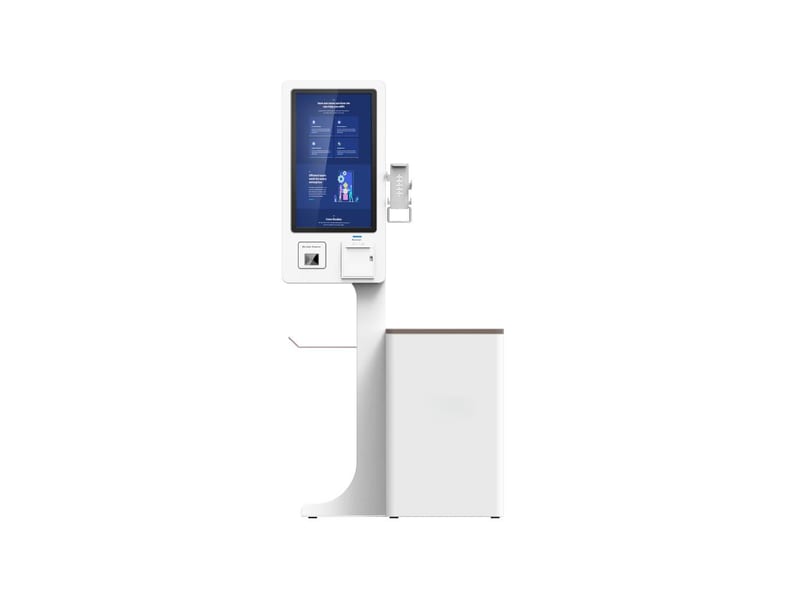
Self-service is the visible product, and it changes staffing more than it changes cost.
- Place kiosks where borrowing actually happens, which is near the entrance and near returns, not in a corner that suits the architect.
- Support the full transaction: borrow, return, renew, pay fines, and a fallback when the patron has no card. Half-finished self-service produces the same queue, one metre further left.
- Design for the 30-second failure. A borrower who cannot complete a transaction needs a clear path to a human, or the kiosk becomes an obstacle.
- For unstaffed hours, the access control, the kiosk and the gate must share one source of truth. Opening a door is not a security decision if the gate does not know it happened.
Shelf reading and inventory with a handheld
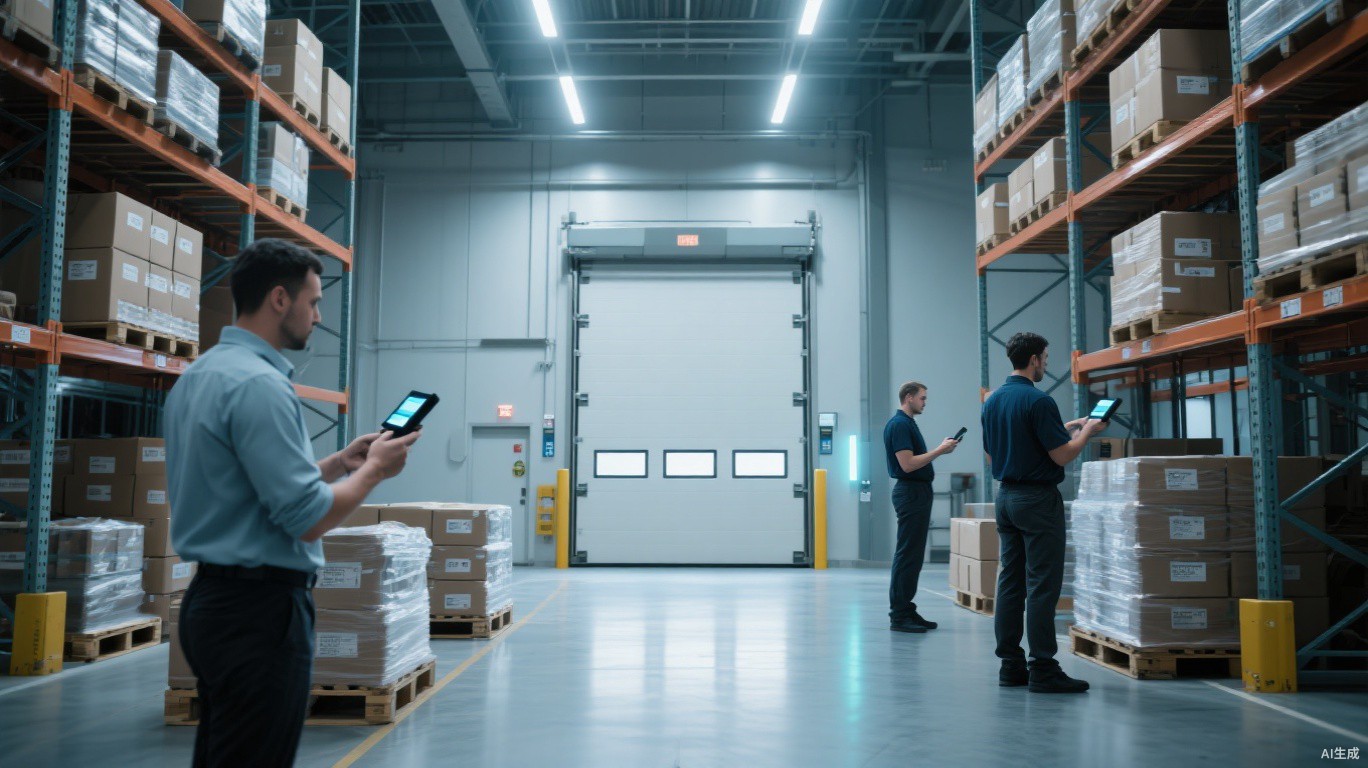
This is the operation that changes the culture of the library, because it turns an unmanageable task into a routine one.
- Define ranges small enough to complete in one session. A range that takes two hours will be skipped.
- Compare reads against the expected sequence and produce a short exception list: misshelved, missing, unknown, on loan but present.
- Schedule by exception, not by calendar. Fix the range that is drifting, not the whole floor.
- Keep a roll of pre-programmed blank tags at the desk. Re-tagging a found unknown item in thirty seconds is what makes the workflow survive.
Returns, sorting and the 24-hour drop box
- A return box with an internal reader records the return at the moment of deposit, which is what the patron expects and what the fine calculation needs.
- Sorting automation pays only above a certain volume. Below roughly a thousand returns a day, manual sorting with a guided list is cheaper and simpler.
- Return-to-shelf accuracy matters more than sorting speed: a book that is returned but not shelved is effectively lost.
Connecting to the ILS: SIP2, NCIP and the queue
- SIP2 is the pragmatic default and is supported by nearly every ILS, including Koha and most commercial systems. It is old, textual and reliable.
- NCIP is richer, better for consortia and for workflows that need item-level state beyond circulation.
- Treat the ILS as the system of record and the RFID layer as an event source. Never let the kiosk hold authoritative item status.
- Offline mode is mandatory: a kiosk that stops working when the network blips will be distrusted after the second incident.
Procurement checklist
- Who owns the tag data model, and is it documented in a file you control?
- What is the conversion cost per item, including staff time and error rework?
- Can you re-tag a single item in under a minute without a service call?
- Which vendor owns the gates, the kiosks and the handheld — and who do you call at 8 a.m. on a Monday?
- Is the security model documented as states, or as a promise?
- What happens to the tags when you change ILS?
A library RFID project that is judged only on check-out speed will be judged a success in month two and a disappointment in year two, when the shelf is still wrong and the gates are switched off. Judge it on shelf accuracy, on staff time returned to readers, and on how calmly the system behaves when something breaks.