Odoo 19 has closed a gap that shaped RFID projects for years: the Barcode app now reads UHF RFID tags natively, without an IoT Box, without a custom module and without middleware. For a specific, well-defined slice of workflows this is genuinely all you need. The question worth answering before you budget anything is where that slice ends — because it ends quickly, and the failure mode of RFID projects is not choosing the wrong brand of reader, it is expecting one handheld workflow to cover an entire operation.
What the native support actually covers
Odoo 19's Barcode app pairs with an official handheld setup and treats RFID tag reads as barcode scans inside existing barcode workflows — receiving, delivery and inventory adjustments. The supported hardware path is narrow and precise:
- A Zebra TCX Series mobile computer — or an ordinary Android smartphone — paired with a Zebra RFD40 sled, which both reads and writes tags.
- Odoo's Android APK with Zebra RFID support, sideloaded onto the device; Android will ask you to enable "install unknown apps" for the browser or file manager you sideload from.
- The product must carry a GTIN-14-compatible barcode and have inventory tracking enabled — an RFID read resolves to the same product record a barcode scan would resolve to.
Once paired, an operator walks the dock or the shelf, pulls the trigger, and the Barcode app processes dozens of tags per second as if each had been scanned individually. For receipts, deliveries and counts executed by a person with a handheld, this is the shortest path from purchase order to working RFID.
Where the native path stops
The documentation's support matrix is also a list of boundaries, and production data has a way of finding all of them:
- Encoding: only SGTIN-96 is supported, and the serial portion must be numeric. Alphanumeric serials — common on serialized equipment — silently fall outside the supported range.
- Lots: a lot-tracked product scans as one lot with quantity 1. You cannot count a 240-unit lot by reading tags; the workflow is single-item by design.
- Master data: products must be GS1-registered. Non-GS1 internal SKUs, made-to-order items and supplier codes do not resolve.
- Frequency family: UHF only. NFC and BLE assets are out of scope.
- Read points: handhelds only. There is no fixed-reader driver, no dock-door portal, and no integration path for AGVs, robots or drones.
- Event scope: the mapping ends at Barcode-app operations. RFID events do not feed assets, POS or manufacturing — a pallet delivered into production is still just inventory.
None of these are bugs. They are the boundaries of a deliberate design: RFID as an alternative scanner for the Barcode app, not as an event infrastructure.
The lower-cost handheld alternative
The official path is not the only handheld path. CipherLab RS36 and RS38 UHF scanners work through the Odoo Barcode PWA running in a mobile browser, using CipherLab's Multi-Tag Output app to push multiple EPCs as a delimited string — the delimiter to configure is a semicolon. Setup requires enabling "Allow restricted settings" on the scanner plus granting the accessibility permission, after which no Odoo Android app is needed at all. For teams that balk at the Zebra sled price, this is materially cheaper hardware on essentially the same handheld workflow — and a sensible way to pilot before committing to the supported-device list.
When middleware is still the right layer
Everything the native support cannot reach sits in a short, consistent list:
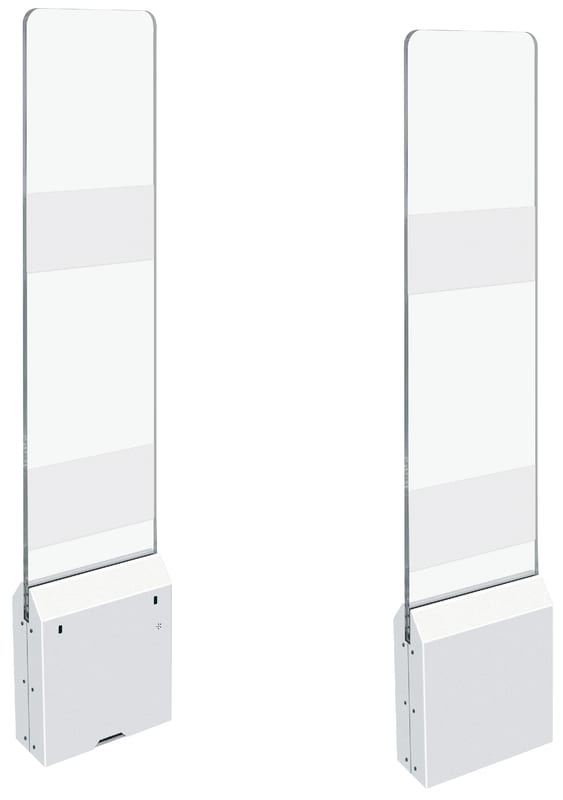
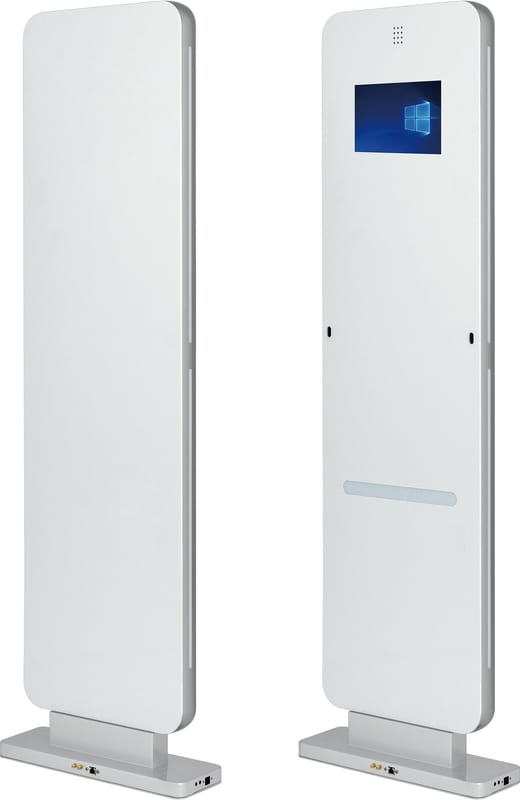
- Fixed readers. Dock-door portals, tunnel readers and conveyor reads produce a continuous event stream with no human holding a trigger. Middleware ingests that stream, deduplicates it, and writes quant changes to Odoo in real time.
- Encoding flexibility. Custom EPC layouts, alphanumeric serials and non-GS1 item masters are normal in industrial settings; middleware resolves them by pattern rules instead of a GS1 registry.
- Cross-module automation. Assets that check themselves in and out, POS receiving serialized items, manufacturing consuming tracked components — these need events routed beyond the Barcode app.
- Robotics. Readers mounted on AGVs and drones are event producers like any other; middleware treats them exactly like portal readers.
- Older Odoo. Odoo 17 and 18 have no native RFID at all. Middleware that speaks XML-RPC or JSON-RPC covers them today — SpidersRFID's middleware supports every version from 17 through 20, in both Community and Enterprise, with the same connector — which also means your integration survives the next upgrade instead of being re-bought as a version-bound app.
Two layers, one architecture
The honest conclusion is that native RFID and middleware are complements, not substitutes. Use Odoo 19's native support when the workflow is genuinely handheld-only — a person, a trigger, and Barcode-app documents. Add middleware when reads must happen without a person present, when tag data does not fit SGTIN-96, or when the same radio infrastructure must drive inventory, assets and manufacturing at once. Operations that work long-term usually end up with both: handhelds for exception handling and spot counts, fixed infrastructure for the routine volume, and one middleware layer keeping the ERP current regardless of which radio produced the read.
Frequently asked questions
**Does Odoo 19 native RFID work with readers other than Zebra?** Officially, the supported path is a Zebra TCX mobile computer or Android smartphone paired with a Zebra RFD40 sled. CipherLab RS36/RS38 scanners also cover the handheld workflow through the Barcode PWA in a mobile browser via the Multi-Tag Output app, at lower cost. Fixed readers are not supported natively in either case — that requires middleware.
**Can I use native RFID on Odoo 17 or 18?** No. Native RFID arrives with Odoo 19. On 17 and 18 the same hardware reaches Odoo through middleware; SpidersRFID's middleware supports Odoo 17-20 in both Community and Enterprise, so you can standardize on one integration while you plan the upgrade.
**Do I still need middleware if all my tags are GS1 SGTIN-96?** If every read is triggered by a person with a handheld and lands in Barcode-app documents, possibly not. Middleware still wins on fixed portals, real-time quant sync, alphanumeric serials, non-GS1 items, encode stations and any workflow outside receiving, delivery and counts.